
MS Excel Course
- Sehrish Khan (Trainer)
- 20+ (Graduates)
- 5*****(15 reviews)
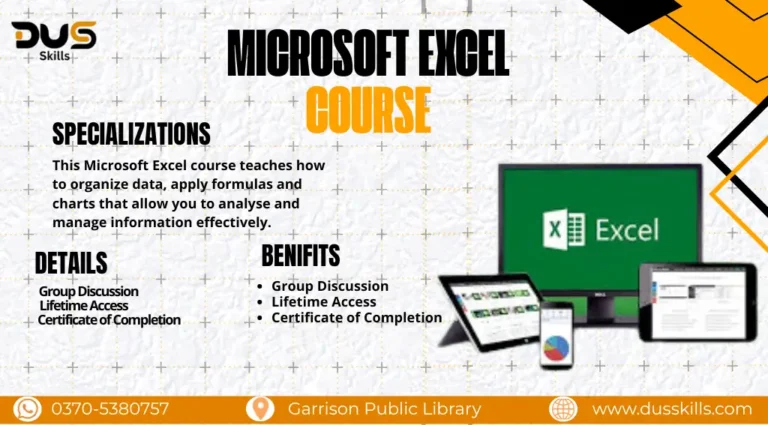
The MS Excel Course is designed for beginners and professionals who want to develop strong spreadsheet and data management skills. You’ll learn how to organize, analyze, and visualize data using Excel’s powerful features, making it an essential skill for academics, business, and freelancing.
Rs. 22,000
- Course Duration: 3 Months
- Live Lectures
- 24/7 Support
- Lifetime Access
- Certificate of Completion
- 15 Days Refund Policy
DUS AI – Details & Registration
Master Microsoft Excel: From Basics to Advanced Data Analysis
- In this course, you will start with the basics—understanding Excel’s interface, formulas, and functions—before moving on to intermediate and advanced tools. You’ll learn data formatting, charts, pivot tables, and conditional formatting to make data more meaningful and easier to interpret.
- The course also explores automation with macros, advanced formulas, and data analysis tools. By the end, you will be able to use Excel to create reports, analyze trends, and solve real-world business problems effectively.
Module 1: Excel Basics & Essential
Navigating the Excel interface and worksheets, entering, formatting, and managing data, basic formulas and functions (SUM, AVERAGE, IF, etc.)
Module 2: Data Visualization & Analysis
Creating and customizing charts and graphs, using pivot tables and slicers for summaries, conditional formatting to highlight key data.
Module 3: Advanced Excel & Productivity Tools
Advanced formulas (VLOOKUP, HLOOKUP, INDEX, MATCH), introduction to macros and automation, data validation, protection, and collaboration features.
The course primarily uses Microsoft Excel (latest version). Additionally, tools like Google Sheets (for collaboration), Power Query (for advanced data management), and Tableau/Power BI (intro basics) are introduced to extend your Excel learning.
- Formula & shortcut cheat-sheets for quick reference
- Practice datasets for hands-on learning
- A freelancing guide for Excel jobs online
- Tips to integrate Excel with Google Sheets & other tools
- Access to Private Learners' Community
- Free Future Course Updates
