Video Editing
- Sehrish Khan (Trainer)
- 70+ (Graduates)
- 5*****(50 reviews)
Unleash your creativity with our Video Editing Course. This training will take you from beginner to confident editor by teaching you how to transform raw footage into professional, engaging videos. Whether you want to build a career in content creation, enhance your YouTube channel, or create stunning visuals for clients, this course equips you with the essential skills to edit, polish, and deliver impactful videos.
Rs. 22,000
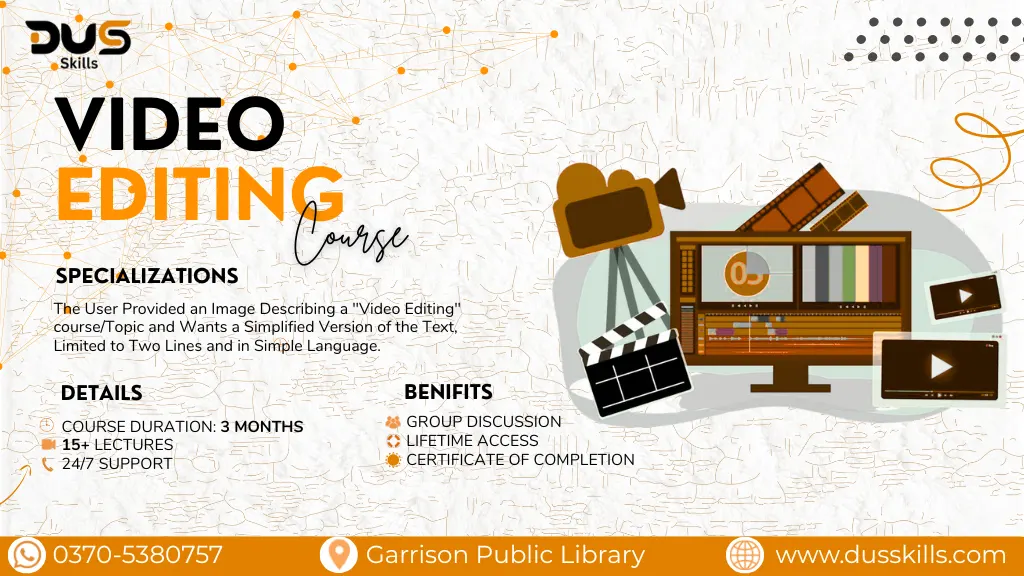
- Course Duration: 3 Months
- Live Lectures
- 24/7 Support
- Lifetime Access
- Certificate of Completion
- 15 Days Refund Policy
DUS AI – Details & Registration
Master Video Editing: Create, Edit & Share Professional Videos
- In this course, you will learn the complete process of editing videos step by step. You’ll explore how to work with editing software, organize projects, cut and trim clips, add transitions, enhance audio, apply color correction, insert text and graphics, and export videos in the right formats for different platforms.
- This course is designed for beginners, aspiring YouTubers, freelancers, entrepreneurs, and anyone who wants to improve their video editing skills.
Module 1:Introduction to Video Editing
- What is video editing?
- Types of videos (Vlogs, Reels, Ads, Promos, Tutorials)
- Frame rate, resolution, aspect ratios
- Storyboarding & script basics
Module 2:Editing with Canva
- Canva Video Basics(Editor Interface etc..)
- Canva Video Tools(Elements, stock videos, motion graphics.)
- Canva Video Projects(Promo & advertisement videos etc..)
Module 3:CapCut (Mobile + Desktop)
- CapCut Basics(Importing clips & Organizing timelineetc..)
- CapCut Creative Tools(Transitions & effects etc..)
- CapCut Advanced Editing(3D zoom, velocity edits etc..)
- CapCut Projects(Aesthetic edits etc..)
Module 4:Filmora (Beginner to Advanced)
- Filmora Basics(Dashboard & timeline setup etc..)
- Filmora Effects(Hollywood-style filters etc..)
- Filmora Advanced Tools(Green screen/chroma key etc..)
- Filmora Projects(YouTube video editing etc..)
Module 5: Veo3 (AI Video Editing))
- Veo3 Basics(Introduction to AI video editing etc..)
- Veo3 Tools(AI auto-edits etc..)
- Veo3 Creative Features(Preset transitions etc..)
- Veo3 Projects(Quick reel editing etc..)
Module 6:Audio & Sound Design
- Removing background noise
- Syncing music with video
- Mixing sound effects
- Voiceovers & narration tips
Module 7:Social Media Video Optimization
- Best sizes for Instagram, TikTok, YouTube
- Hook strategy (3-second rule)
- Thumbnail creation
- Export settings for each platform
Module 8: Color Grading & Visual Style
- Basic color correction
- LUTs usage
- Creating your own color style
- Cinematic grading techniques
Module 9: Portfolio Building
- Creating a professional showreel
- Organizing projects
- Thumbnail + caption writing
- Uploading work on YouTube/Instagram/Behance
Module 10: Freelancing & Professional Skills
- Fiverr gigs for video editing
- Client communication
- Revision workflow
- Project delivery formats (MP4, MOV, vertical/horizontal)
This course uses easy and accessible tools such as Filmora, iMovie, and CapCut for beginners. For audio editing and cleanup, Audacity is recommended, while Adobe Premiere Pro and Final Cut Pro are introduced for learners who want to advance to professional-level editing.
- Free Access to AI Tools List & Resources
- Downloadable Project Files & Code Templates
- Freelancing Guide
- Portfolio-Building Tips & Templates
- Exclusive Certificate with DUS Skills Branding
- 1-on-1 Mentorship Session (Limited Slots)
- Access to Private Learners' Community
- Free Future Course Updates
