Graphic Design Course
- Fatima Khan (Trainer)
- 90+ (Graduates)
- 5*****(70 reviews)
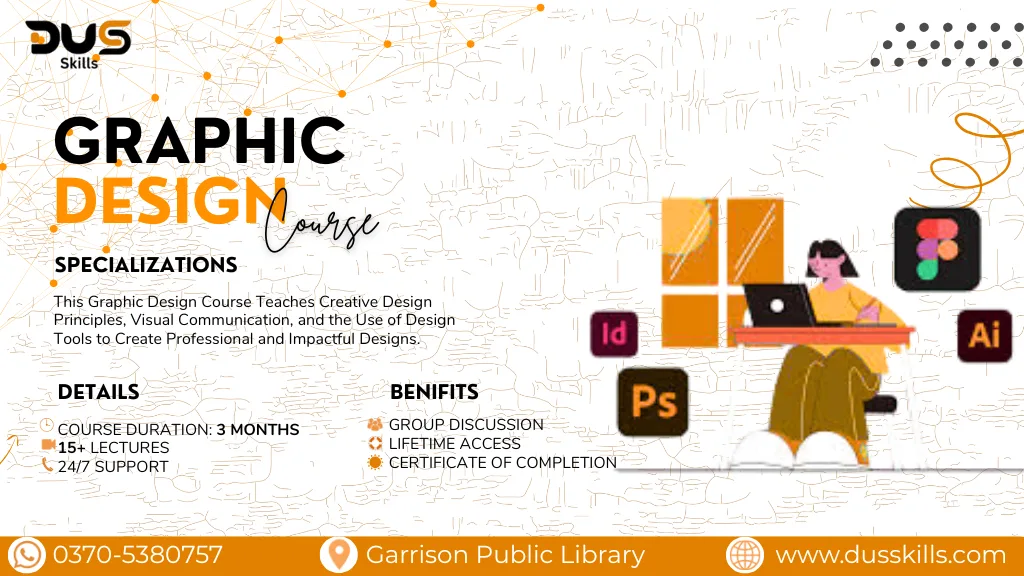
Unleash your creativity and become a professional graphic designer! Learn how to design stunning visuals, marketing materials, and brand assets that capture attention. This course covers essential design principles, industry-standard software, and real-world projects so you can start working as a designer or freelancer immediately.
Enroll now and turn your creativity into a career with DUS Skills!
Rs. 22,000
- Course Duration: 3 Months
- Live Lectures
- 24/7 Support
- Group Discussion
- Lifetime Access
- Certificate of Completion
- 15 Days Refund Policy
DUS AI – Details & Registration
DUS Skills – Graphic Designing Training
This course is designed to give you hands-on design skills that can be applied to social media, branding, marketing, and digital products.
You’ll learn to use top design tools like Adobe Photoshop, Illustrator, and Canva to create professional, high-quality graphics.
In today’s competitive market, visual content is king — and skilled designers are always in demand. With DUS Skills, you’ll gain practical, career-ready training backed by real projects and client-focused assignments.
Module 1:Introduction to Graphic Design
- What is Graphic Design?
- Types of design (Branding, Social Media, Print, Advertising)
- Design principles: Color theory, Typography, Alignment, Balance, Contrast, White Space
- Understanding Raster vs Vector graphics
Module 2:Canva (Beginner to Advanced)
- Canva Basic(Templates vs custom designs etc..)
- Design Projects in Canva(Social media posts etc..)
- Canva Advanced Tools(Layers & grouping etc..)
Module 3: Real-World Design Projects & Portfolio Building
- Photoshop Basics(Workspace introduction)
- Photoshop Image Editing(Color correction, brightness/contrast etc..)
- Photoshop Design Projects(Social media designs etc..)
- Photoshop Advanced(Double exposure effects etc..)
Module 4:Adobe Illustrator (Beginner to Advanced)
- Illustrator Basics:(Interface & tools overview etc..)
- Logo & Branding Design:(Logo concepts & vector logo creation etc..)
- Illustrator Projects:(Infographics etc..)
- Advanced Illustrator:(Professional brand identity kit creationetc..)
Module 5:Print & Digital Design
- Difference between print & digital
- Resolution guide
- Designing print-ready files
- Bleed, trim, and margins
Module 6:Freelancing & Professional Skills
- Client communication skills
- Pricing your design services
- Revision & final delivery process
- Using mockups to showcase work
This course uses industry-standard design tools, including:
- Adobe Photoshop
- Adobe Illustrator
- Canva Pro
- Figma (for UI/UX basics)
- Adobe XD (optional for app/web design projects)
- Downloadable Project Files & Code Templates
- Portfolio-Building Tips & Templates
- Exclusive Certificate with DUS Skills Branding
- 1-on-1 Mentorship Session (Limited Slots)
- Access to Private Learners' Community
- Free Future Course Updates
