
Shopify
- Nadir Khalil (Trainer)
- 40+ (Graduates)
- 5*****(30 reviews)
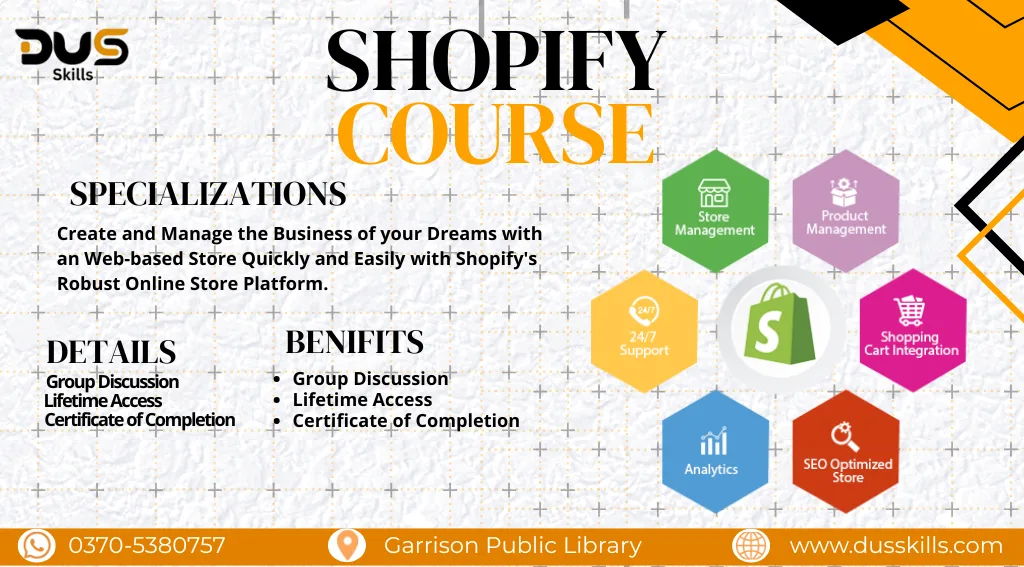
The Shopify Course is designed for entrepreneurs, business owners, and freelancers who want to create their own online store without coding. You’ll learn how to design a professional Shopify store, add products, integrate payment gateways, and scale your business globally.
Rs. 22,000
- Course Duration: 3 Months
- Live Lectures
- 24/7 Support
- Group Discussion
- Lifetime Access
- Certificate of Completion
- 15 Days Refund Policy
DUS AI – Details & Registration
Master Shopify: Build, Launch & Grow Your Online Store
- In this course, you’ll start with the basics of setting up your Shopify account, choosing themes, and customizing your store layout. You’ll also learn how to manage inventory, add products, and configure payment/shipping settings.
- As you progress, the course covers marketing strategies, Shopify apps, SEO, and analytics to boost sales. By the end, you’ll have the skills to launch, manage, and grow a profitable e-commerce store on Shopify.
Module 1: Introduction to Shopify
- What is Shopify?
- Shopify vs WooCommerce vs Wix
- Shopify plans & pricing
- Shopify dashboard walkthrough
- Niche selection basics
Module 2: Store Setup (Step-by-Step)
- Creating a Shopify account
- Adding store details, currency, timezone
- Shopify admin overview
- Domains (Shopify domain vs external domain)
- Connecting domain
- Payment gateways setup (Shopify Payments, PayPal, Stripe)
- Shipping settings (zones + rates)
- Tax settings
Module 3: Themes & Store Design
Free & Premium Themes
- Choosing a high-converting theme
- Dawn, Refresh, Sense themes
- Premium themes overview
Theme Customization
- Header, footer, navigation, mega menu
- Homepage design (banner, collections, featured products)
- Product page layout
- Collection page layout
- Typography & color customization
Module 4: Product Management
- Adding products manually
- Bulk upload via CSV
- Variants (size, color, material)
- Inventory tracking
- Pricing strategies
- SKU management
Module 5: Shopify Apps (Must-Have Tools)
Essential Apps
- Page Builders (PageFly, GemPages)
- Email Marketing (Klaviyo, Omnisend)
- Reviews (Judge.me, Loox)
- Upsell & Cross-sell apps
- SEO apps
- Abandoned cart recovery apps
Dropshipping Apps
- DSers (AliExpress)
- Zendrop
- CJ Dropshipping
Module 6: Shopify Store Pages
- Homepage
- About Us
- Contact Us (with form)
- Privacy Policy
- Refund & Returns Policy
- Terms & Conditions
- Shipping Policy
Module 7: Shopify Navigation & Menus
- Main menu setup
- Footer menu setup
- Mega menu design
- Creating collection-based menus
Module 8: Collections Setup
- Manual vs automated collections
- Organizing products into collections
- Tags & filters
- Smart collection rules
Module 9: Shopify Dropshipping (Optional Module)
- Niche research
- Winning product criteria
- Sourcing products via DSers/Zendrop
- Order fulfillment process
- Supplier communication
- Profit margin calculation
Module 10: Shopify Payments, Checkout & Shipping
- Setting up payment gateways
- Shopify checkout customization
- Shipping zones & rates
- Local delivery vs international shipping
- Packaging requirements
Module 11: Shopify Marketing
Built-in Marketing Tools
- Discounts & coupons
- Email campaigns
- Automated abandoned cart emails
External Marketing
- TikTok ads basics
- Facebook ads basics
- Instagram influencer marketing
- Google Shopping ads basics
Module 12: SEO for Shopify
- Keyword research
- Meta titles & descriptions
- Alt text for images
- URL optimization
- Structured data basics
- Site speed optimization
Module 13: Shopify Analytics
- Understanding reports
- Store performance dashboard
- Sales, sessions, conversion rates
- Tracking products & customer behavior
Module 14: Shopify Store Speed Optimization
- Image compression
- Removing unused apps
- Lazy loading
- Minimizing scripts
- Fast theme selection
Module 15: Order Management
- Order fulfillment (manual & automated)
- Refunds & returns workflow
- Customer communication
- Fraud detection & Shopify Protect
Module 16: Shopify Add-Ons
- Shopify POS
- Shopify Markets (multi-country selling)
- Shopify Collabs (influencer partnerships)
- Shopify Inbox (live chat)
Module 17: Freelancing & Professional Skills
- Shopify store setup as a service
- Store redesign service
- Dropshipping store setup service
- How to price your services
- Fiverr & Upwork gig creation
- Client requirement checklist
- Delivery templates & handover process
Learning Outcomes
Students will learn to:
- Build a full Shopify store from zero
- Customize homepage + inner pages professionally
- Create collections, menus, products
- Use Shopify apps for design & conversions
- Run a dropshipping store (optional)
- Handle orders, payments, shipping
- Optimize store for SEO + performance
- Start freelancing as a Shopify expert
The course introduces Shopify, along with supporting tools like Canva (for store banners & designs), Oberlo/DSers (for dropshipping), Google Analytics (for tracking performance), and Mailchimp/Klaviyo (for email marketing).
- A Shopify store launch checklist
- Ready-to-use store design templates
- Pre-made email marketing templates
- Tips for boosting conversion rates
- Free access to Shopify SEO checklist
